
AI illustrated map poster via API: art first, labels in code
Generate the illustrated map art at 2:3 with Nano Banana 2, leave the lettering out, then draw every place name in Pillow from a list so none are misspelled.
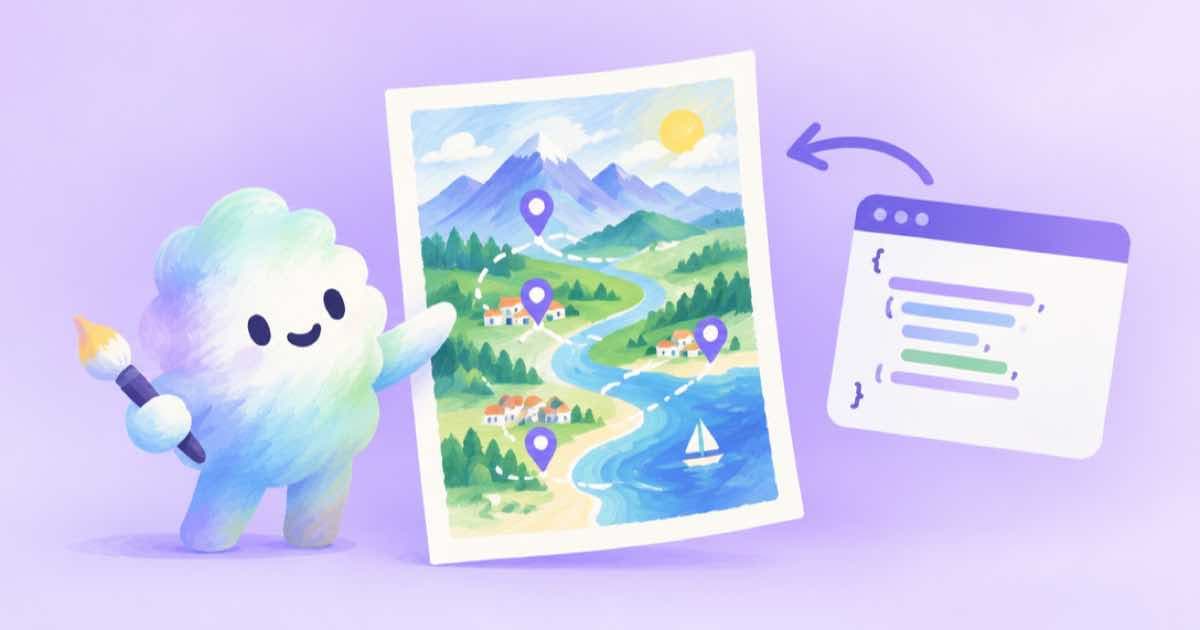
An illustrated map poster is a bad fit for a model that has to spell, and a good fit for one that draws. Generate the map art with no lettering, then draw each place name yourself from a list. On Sume, google/nano-banana-2 accepts aspect_ratio: "2:3", which gives a tall poster shape, and the labels are placed with Pillow so every name is spelled the way you wrote it.
This is the approach to reach for whenever a picture must carry correct names: a city, a trail, a campus, a fictional continent. The model sets the mood and the geography; your code sets the text and the coordinates, and you can fix a typo by editing one string instead of regenerating.
Step 1: art with the lettering left out
Ask for a hand-painted illustrated map with landmarks as small drawings, a clear coastline, calm colours, and an empty banner area at the top for the title. Say no text, no labels and no legends. Models tend to scribble pseudo-words onto maps unless told not to, and gibberish text is much harder to remove than to prevent.
Request 2:3 and read the response's usage.cost so you know what each attempt billed. The n range on Nano Banana 2 is 1 to 4 in the catalog, so one call can give you a few compositions to choose from (Sume Image API docs).
import os, requests

r = requests.post("https://api.sume.com/v1/images", timeout=120, json={
    "model": "google/nano-banana-2",
    "prompt": ("Hand-painted illustrated map of a fictional harbor town, tiny landmark drawings, "
               "clear coastline, soft watercolor palette, empty banner space at the top, "
               "no text, no labels, no legend"),
    "aspect_ratio": "2:3", "resolution": "2K", "n": 2,
}, headers={"Authorization": f"Bearer {os.environ['SUME_API_KEY']}"})
r.raise_for_status()
if r.status_code == 202:
    raise SystemExit("queued: poll the job status_url")
for i, item in enumerate(r.json()["data"]):
    print(i, item["url"])
print("billed:", r.json()["usage"]["cost"])
Step 2: place the names
Keep the labels in a list of name, x and y as fractions of the image, so the same list works at any resolution. Look at the art, note where each landmark is, and write the fractions down. The function below draws each name with a light halo so it stays readable over busy painting, and puts the title in the banner at the top.
It uses Pillow's default font at a chosen size, which keeps the demo portable; for a real poster load a licensed font file with ImageFont.truetype. The demo builds a blank 2:3 canvas so it runs as-is.
from PIL import Image, ImageDraw, ImageFont

def label_map(path, out, title, places):
    img = Image.open(path).convert("RGB")
    w, h = img.size
    d = ImageDraw.Draw(img)
    big = ImageFont.load_default(size=int(w * 0.07))
    small = ImageFont.load_default(size=int(w * 0.03))
    d.text((w / 2, h * 0.05), title, font=big, fill="#1b2a3a", anchor="mm",
           stroke_width=3, stroke_fill="#f4ecd8")
    for name, fx, fy in places:
        d.text((fx * w, fy * h), name, font=small, fill="#1b2a3a", anchor="mm",
               stroke_width=2, stroke_fill="#f4ecd8")
    img.save(out)
    return img.size

if __name__ == "__main__":
    Image.new("RGB", (1024, 1536), "#9cc3c9").save("map.png")
    places = [("Lantern Point", 0.3, 0.35), ("Old Mill", 0.65, 0.5), ("Salt Market", 0.4, 0.75)]
    print(label_map("map.png", "map-labeled.png", "HARBOR TOWN", places))
Printing and exact size
If the poster needs an exact pixel size, treat the model output as the source and resize or crop after, as in Nano Banana exact pixels. Generating at 2K leaves room to scale down to common poster sizes without upscaling.
For another example of art from the model and text from your code, see the vintage travel poster recipe, which uses a 3:4 ratio.
Sources
Related posts
More in Use cases
- AI low-poly and voxel icons: a transparent set with one style anchor
Generate low-poly or voxel icons as transparent PNGs with gpt-image-2.5: one anchor icon, then the rest as references, with a size check at 64 and 128 pixels.
- AI memory match game cards: 8 pairs, one style, deck built in code
Make a memory-match deck with the image API: eight subjects in one style via a reference image, then duplicate, shuffle and lay out the deck in Pillow.
- AI music evidence file for an agency hand-off: job, engine, terms
What an agency should keep per AI music track: job record, engine, prompt, metadata, plan, terms date. What Sume returns and what vendor pages let you cite.
- AI nail art preview from a hand photo: a mask_url edit on one finger
Preview a nail design on a client's hand photo with a mask_url edit on gpt-image-2.5: a mask limited to the nails, a reference for the design, and edge checks.
Written by Sume