
AI memory match game cards: 8 pairs, one style, deck built in code
Make a memory-match deck with the image API: eight subjects in one style via a reference image, then duplicate, shuffle and lay out the deck in Pillow.
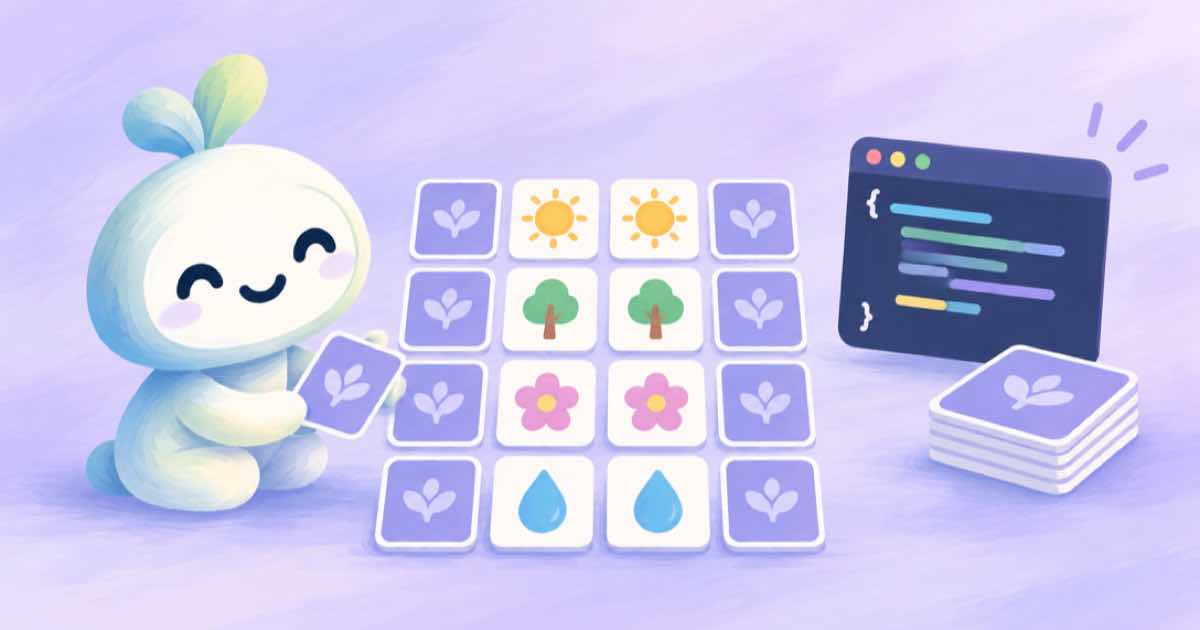
A memory-match deck needs eight different pictures in one visual style, each one used twice, plus a single card back. Generate the eight pictures once with the image API, pass the first approved picture as input_references to keep the style, and let code do the rest: duplicate every picture, shuffle, and lay the sheet out in Pillow. The model never has to draw the same animal twice, which is where decks usually look inconsistent.
Pairs have to be pixel-identical to be fair, so duplicating the file is the correct move. Asking a model for two copies produces two near-misses, and a child will spot the difference. This recipe uses a reference for style and code for exact pairs.
Eight subjects, one style anchor
Approve one picture first and call it the anchor. Then request the other seven with the anchor as a reference and a prompt that changes only the subject. GPT Image 2.5 accepts up to 16 references, so there is room to add a second anchor if the style drifts (Sume Image API docs).
Ask for a square image with a plain background and bold shapes, so each picture sits inside a card with room for a border. Keep the style words identical across calls and change only the subject word.
import os, requests

H = {"Authorization": f"Bearer {os.environ['SUME_API_KEY']}"}
STYLE = "flat children's book illustration, thick outline, soft colors, plain cream background, no text"

def card(subject, anchor_url=None):
    body = {"model": "openai/gpt-image-2.5", "aspect_ratio": "1:1", "quality": "medium",
            "prompt": f"{subject}, centered. {STYLE}"}
    if anchor_url:
        body["input_references"] = [{"type": "image_url", "image_url": {"url": anchor_url}}]
        body["prompt"] = f"Same style as the reference image. {body['prompt']}"
    r = requests.post("https://api.sume.com/v1/images", headers=H, json=body, timeout=120)
    r.raise_for_status()
    if r.status_code == 202:
        raise RuntimeError("queued: poll the job status_url")
    return r.json()["data"][0]["url"]

anchor = card("a smiling red fox")
print("anchor:", anchor)
print([card(s, anchor) for s in ("a sleepy owl", "a green frog", "a blue whale")])
Duplicate, shuffle, lay out
Once you have eight files, the deck is a data problem. Double the list, shuffle with a fixed seed so you can reproduce a layout, and paste the tiles into a 4 by 4 grid. A card back is drawn once in code: a solid colour with a simple border, which stays crisp at any print size.
The demo below fabricates eight coloured tiles so it runs without the generated files; point paths at your downloads for the real deck.
import random
from PIL import Image, ImageDraw

def deck_sheet(paths, out, cell=256, cols=4, seed=7):
    tiles = [Image.open(p).convert("RGB").resize((cell, cell)) for p in paths] * 2
    random.Random(seed).shuffle(tiles)
    rows = len(tiles) // cols
    sheet = Image.new("RGB", (cols * cell, rows * cell), "white")
    for i, t in enumerate(tiles):
        sheet.paste(t, ((i % cols) * cell, (i // cols) * cell))
    sheet.save(out)
    back = Image.new("RGB", (cell, cell), "#2f5d8a")
    ImageDraw.Draw(back).rectangle([12, 12, cell - 13, cell - 13], outline="#f4e3b2", width=6)
    back.save("card-back.png")
    return sheet.size

if __name__ == "__main__":
    paths = []
    for i in range(8):
        Image.new("RGB", (300, 300), (30 * i, 255 - 25 * i, 90 + 10 * i)).save(f"t{i}.png")
        paths.append(f"t{i}.png")
    print(deck_sheet(paths, "deck.png"))
Checks before you print
Hold the eight pictures side by side and make sure no two could be confused at card size. A fox and a red dog will be, so choose subjects that differ in shape and colour. Print one test sheet before ordering a deck.
For keeping a style across a set of images, see one anchor icon, then references. For a sheet of variants from a single call, see the contact sheet recipe.
Sources
Related posts
More in Use cases
- AI music evidence file for an agency hand-off: job, engine, terms
What an agency should keep per AI music track: job record, engine, prompt, metadata, plan, terms date. What Sume returns and what vendor pages let you cite.
- AI nail art preview from a hand photo: a mask_url edit on one finger
Preview a nail design on a client's hand photo with a mask_url edit on gpt-image-2.5: a mask limited to the nails, a reference for the design, and edge checks.
- AI paper doll cutouts: transparent outfits that fit one body, via API
Make paper-doll dress-up pieces: one body pose as the anchor, each outfit as a transparent PNG using the body as a reference, then print them at a shared scale.
- AI pet portrait in a costume: keep the markings with a reference
Put your dog or cat in a regal costume portrait: one pet photo as an input reference, a keep-the-markings prompt, and a retry plan for the coat pattern.
Written by Sume