
Photo to stained glass window: one Seedream 4.5 edit
Turn a photo into a stained glass window with one reference edit: Seedream 4.5 at $0.05 an image, an explicit ratio, and four takes for $0.20 on Sume.
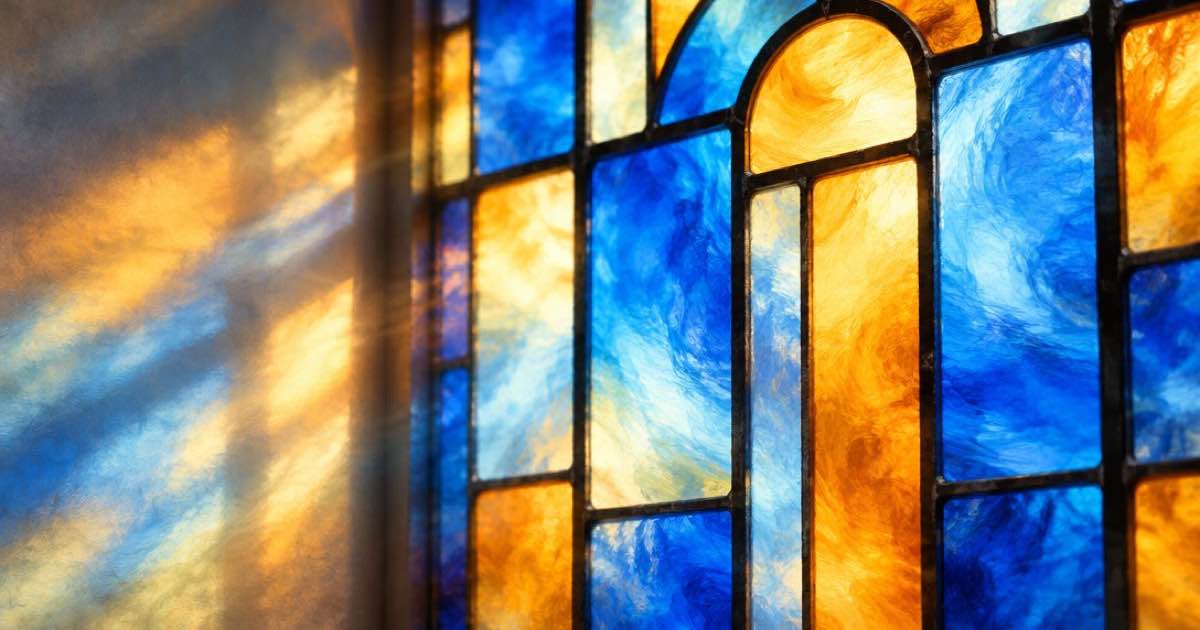
To turn a photo into a stained glass window, send the photo as an input_references entry to an edit-capable image model and describe the glass: thick dark lead lines, flat coloured panes, light coming through from behind. On Sume the cheapest sensible row for this is Seedream 4.5 (bytedance-seed/seedream-4.5), which lists at $0.05 an image, so four takes with n: 4 cost $0.20.
Seedream 4.5 does not list aspect_ratio: "auto", so unlike Nano Banana 2.1 you pass the source photo's ratio yourself. Everything below comes from the Image API page and Sume's image catalog code, read on 2026-10-11. Sume does not publish a style-fidelity ranking between models, so treat the model choice as a price and limits choice, then compare four takes by eye.
What the request looks like
One POST /v1/images call carries the model, the prompt and the photo. The reference must be a public HTTPS URL; Sume rejects localhost, private-network and non-HTTPS URLs before it submits anything. Seedream 4.5 accepts up to 10 references, but a stained glass edit needs only the one photo.
Pick the aspect ratio from the photo, not from the window you imagine. A 4:5 portrait photo should go in with aspect_ratio: "4:5", a landscape with 3:2 or 4:3. Seedream 4.5's list is 1:1, 16:9, 9:16, 4:3, 3:4, 4:5, 5:4, 3:2 and 2:3, so a nearly square photo is a 1:1 or 5:4 decision. If you leave the field out on a model without auto, the docs say the result is not the same as matching the reference.
import os, requests

r = requests.post(
    "https://api.sume.com/v1/images",
    headers={"Authorization": f"Bearer {os.environ['SUME_API_KEY']}"},
    json={
        "model": "bytedance-seed/seedream-4.5",
        "prompt": "Redraw this photo as a stained glass window: thick black lead lines, flat jewel-coloured glass panes, backlit, keep the composition",
        "input_references": [
            {"type": "image_url", "image_url": {"url": "https://example.com/photo.jpg"}}
        ],
        "aspect_ratio": "4:5",
        "n": 4,
    },
    timeout=60,
)
r.raise_for_status()
body = r.json()
if r.status_code == 202:
    print("still running:", body["data"]["status_url"])
else:
    for img in body["data"]:
        print(img["url"])
Which Sume row fits a stained glass edit
Four edit-capable rows are worth a test. The prices are the catalog list rate times Sume's 1.25 margin, as the docs describe it; the reference and n ceilings come from the endpoint descriptors.
| Sume model id | Price per image | Ratio matches the photo? | References | Max n |
|---|---|---|---|---|
| bytedance-seed/seedream-4.5 | $0.05 | Send it explicitly | up to 10 | 4 |
| bytedance-seed/seedream-5-lite | $0.04375 | Send it explicitly | up to 10 | 4 |
| google/nano-banana-2.1 | $0.10 at 1K | Accepts auto | up to 10 | 4 |
| qwen/qwen-image | $0.025 | Send it explicitly | up to 10 | 4 |
Prompt wording to try
Glass work has a few visual rules a model can follow if you name them. These are habits from prompting in general, not a Sume setting, so judge them on your own four takes:
- Name the lead lines: "thick dark lead came outlining every pane" tends to beat "stained glass style" alone.
- Ask for flat colour per pane and no photographic gradients, otherwise skin and sky stay smooth.
- Say the light direction: "lit from behind, glowing" gives the translucent look.
- Add "simplified into large shapes" for faces, since small panes around eyes tend to fall apart.
- Keep the composition clause ("keep the composition") so a landscape does not turn into a new scene.
Cost of a first pass
Four Seedream 4.5 takes of one photo cost 4 x $0.05 = $0.20. Running the same prompt on Seedream 5.0 Lite costs 4 x $0.04375 = $0.175, and on Qwen Image 4 x $0.025 = $0.10. Nano Banana 2.1 at 1K costs 4 x $0.10 = $0.40. A set of twelve family photos at one take each on Seedream 4.5 is $0.60.
Sume bills a generation only if it completes. A failed or cancelled generation is not charged, and the response cost field is the amount billed to your wallet.
Limits that matter
POST /v1/images waits up to 30 seconds. If four takes at a large size do not finish in that window, Sume answers 202 with a job envelope instead of the images, as the sample code above handles; poll the status_url and fetch the result as described in Jobs and results. Result URLs are Sume-hosted and signed, so copy the files you want to keep.
Fine detail is the weak spot of any glass look: small text, many faces and busy backgrounds turn muddy. Crop to one subject before you send the photo, and if a window is meant for print, upscale the winner afterwards rather than asking for a larger first render.
Sources
Related posts
More in Use cases
- Photo to two-ink risograph look: Seedream 5 Lite and a color check
A risograph print uses two or three inks on paper. Ask Seedream 5 Lite for the look on Sume, then count the palette in Pillow to see whether the inks held.
- Photo to woodcut print: Flux 2 Flex edit, then a 1-bit threshold
Make a woodcut from a photo with Flux 2 Flex on Sume at $0.0625, then force true 1-bit black and white in Pillow so the file is ready for print.
- Holiday mini-session promo: six sample photos in a 15-second reel
Sell mini-session slots with a 15-second reel of six samples: Timeline, music and a booking line cost $0.24 on Sume, or $1.44 with upscaling.
- Pinterest bulk upload for video Pins: a .txt file, not a CSV
Pinterest bulk uploads video Pins from a .txt file: 200 a day for US business accounts, Who can view set to everyone, a thumbnail each. Prep clips with Sume.
Written by Sume